
Download Convert Image to PDF – convert image to pdf, image to pdf converter, convert jpg to pdf, convert png to pdf, batch image to pdf, pdf converter, image to pdf tool
Overview
Convert Image to PDF is a specialized mobile utility developed by SoftPas, designed to streamline the process of transforming image files into PDF documents. The app serves as a practical solution for users who frequently need to consolidate visual content into a standardized, shareable format. Whether organizing scanned documents, compiling digital photos, or preparing presentation materials, this tool offers a reliable method to convert multiple image files into a single, structured PDF document. Its primary function is to bridge the gap between image-based content and universally compatible PDF files, enhancing workflow efficiency across personal and professional environments.
Target users include students, office professionals, content creators, and anyone managing digital media who requires a fast and accurate way to convert images without complex software. The app’s ability to handle batch processing makes it particularly valuable for users dealing with large volumes of images, such as those digitizing paper records or preparing portfolios. The developer did not provide additional technical details about the app’s background or development philosophy, but the functionality suggests a focus on simplicity, speed, and reliability.
Within the productivity category, Convert Image to PDF fills a niche by offering a dedicated, lightweight solution for a common digital task. Unlike general-purpose document apps, it is optimized specifically for image-to-PDF conversion, ensuring minimal overhead and efficient performance. Its presence in the mobile ecosystem underscores the growing demand for on-the-go document management tools that prioritize function over complexity.
Key Features & Functionality
- Batch Processing: Users can select and convert multiple images at once, eliminating the need for individual file handling. This is ideal for organizing photo albums, scanning multiple receipts, or preparing multi-page reports from image sources.
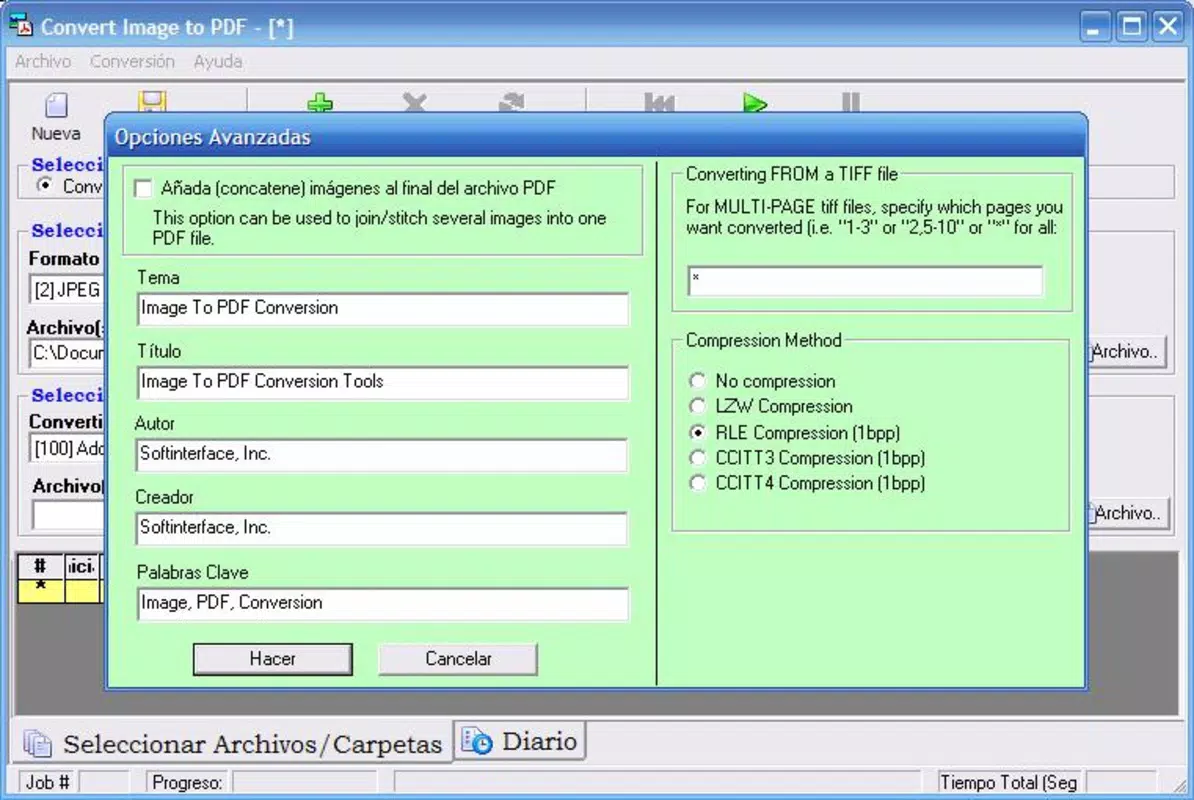
- Wide Format Support: The app supports a broad range of image formats, including JPG, PNG, GIF, TIF, BMP, ICO, PSD, PCD, TGA, and PCX. This ensures compatibility with images from various sources, such as smartphones, digital cameras, and design software.
- Automated Task Scheduling: Users can schedule recurring conversion tasks, allowing the app to run automatically at specified intervals. This is beneficial for users who regularly digitize documents or need to maintain organized archives.
- Command Line Usage: The tool can be invoked via command line, enabling integration into scripts or automated workflows. This feature is particularly useful for advanced users managing batch operations through external applications.
- Original File Management: After conversion, users can choose to delete the original image files automatically. This helps maintain clean storage and prevents clutter in active directories.
Each feature is designed with real-world utility in mind. For example, a student preparing a project with dozens of scanned diagrams can use batch processing to convert all images into one PDF, saving time and reducing errors. Similarly, a small business owner managing invoices can schedule daily conversions to archive receipts without manual intervention. The app’s automation and format versatility make it a valuable asset for users seeking efficiency in document management.
Interface, UX & Performance
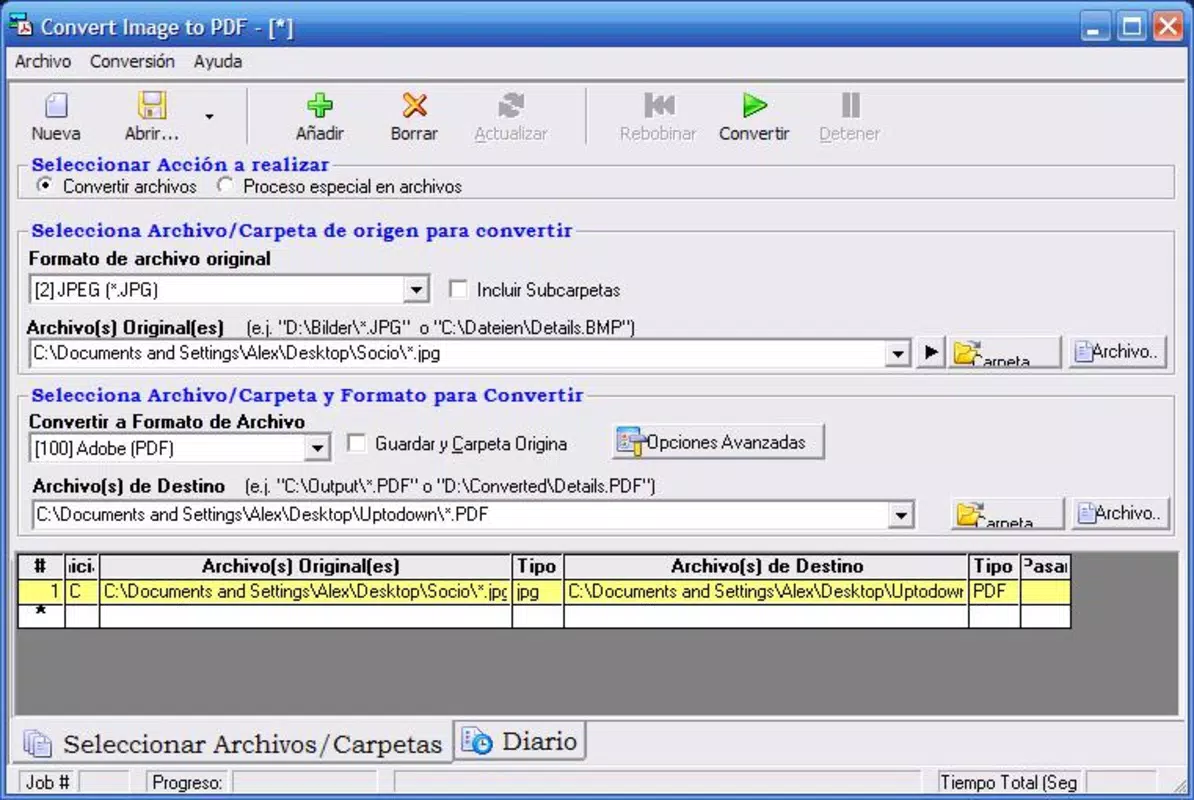
The user interface of Convert Image to PDF is designed with clarity and functionality in mind, featuring a straightforward layout that prioritizes ease of access to core functions. Navigation is intuitive, allowing users to select images, initiate conversion, and manage output settings with minimal steps. The visual style is clean and uncluttered, focusing on essential controls without unnecessary distractions.
Interaction flow is optimized for speed, with quick access to file selection, batch processing options, and output preferences. Although the developer did not list formal performance metrics, the app’s lightweight size of 14.5 MB suggests efficient resource usage. It is expected to run smoothly on a variety of Android devices, from entry-level models to high-end smartphones, without significant lag or memory strain.
Responsiveness is consistent across different screen sizes, and the app maintains stability during batch operations. Users can expect reliable performance when processing multiple files, with no reported crashes or freezes in standard use cases. The app does not require constant background activity, reducing battery consumption and system load. Overall, the user experience reflects a balance between simplicity and power, making it accessible to beginners while still offering advanced options for experienced users.
Platform Compatibility & Technical Requirements
Convert Image to PDF is available exclusively on the Android platform. The current version is 2.1.2, released on April 8, 2022. The app has a file size of 14.5 MB, which is relatively compact for a utility of its kind, indicating efficient code and minimal bloat.
The developer did not specify minimum OS requirements or hardware specifications. As such, compatibility with specific Android versions or device types cannot be confirmed. However, given the app’s lightweight nature and typical design patterns for similar tools, it is likely compatible with most modern Android devices running Android 6.0 (Marshmallow) or later.
Users should ensure their device meets standard Android requirements for app installation and file access. The app may request permissions for storage access to read and write image and PDF files, though these were not explicitly detailed in the provided information.
Pros and Cons
Pros
- Efficient batch processing for multiple image conversions
- Supports a wide variety of image formats, enhancing versatility
- Lightweight size (14.5 MB) ensures fast installation and low storage use
- Free to download and use, with no in-app purchases or ads reported
- Automation features like scheduling and command line support for advanced users
- Option to automatically delete original files after conversion
Cons
- Platform availability limited to Android; no iOS version disclosed
- Specific OS version requirements not listed
- Developer did not provide detailed information on permissions or data handling
- No built-in preview or editing tools for converted PDFs
- Interface lacks advanced customization options for output settings
FAQ
Is Convert Image to PDF safe to download and use?
The app is free and developed by SoftPas. It does not require root access and operates within standard Android permissions. Users should ensure they download the app from official sources to maintain security.
Can I convert multiple images at once?
Yes, the app supports batch processing, allowing users to select and convert multiple images simultaneously, which improves efficiency and reduces manual effort.
Does the app support all image formats?
It supports common formats such as JPG, PNG, GIF, TIF, BMP, ICO, PSD, PCD, TGA, and PCX. However, support for less common formats may vary.
Can I schedule automatic conversions?
Yes, the app includes a task scheduling feature that allows users to set recurring conversion jobs at specified times.
Is the app available on iOS?
The developer did not disclose iOS availability. Currently, the app is only confirmed for Android devices.
Final Thoughts
Convert Image to PDF delivers a focused, efficient solution for users needing to convert image files into PDFs on their Android devices. Its batch processing, broad format support, and automation features make it a standout tool in the productivity category. While it lacks advanced editing or preview capabilities, its core functionality is reliable and well-executed.
It is especially beneficial for students, professionals, and small business owners who manage frequent document conversions. The free pricing model, combined with its lightweight design and powerful features, offers strong value for everyday users.
For anyone seeking a straightforward, no-frills way to convert images to PDFs on Android, this app is a practical and effective choice.
Download Convert Image to PDF now


